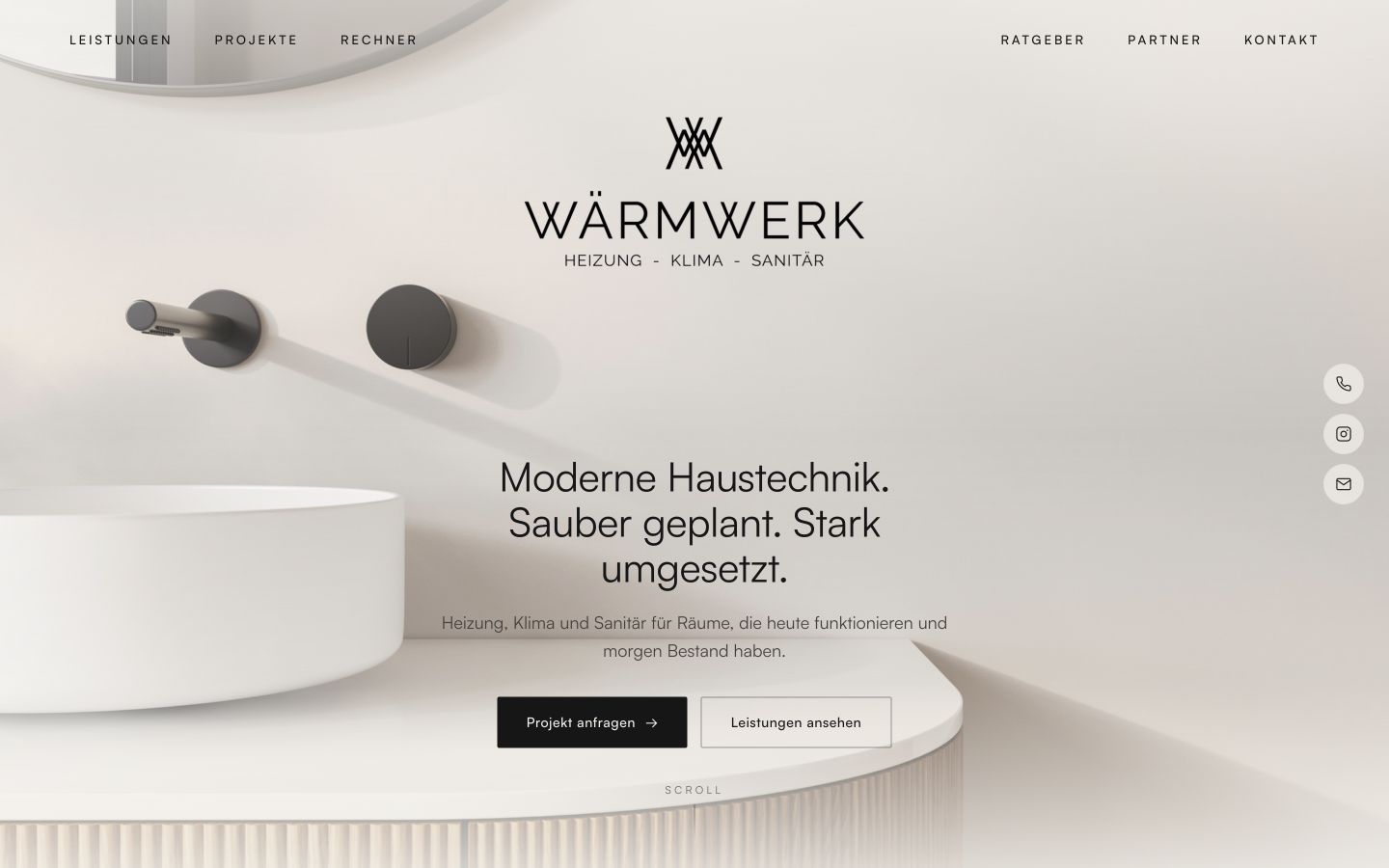
Wärmwerk provides heating, cooling and plumbing services in Maintal and the Rhine-Main region. Visitors have different needs: a heating system, bathroom renovation, air conditioning or help with a fault. The design needs to clarify those differences before describing services in detail.
Start with the visitor’s needs
The first planning question is why people visit. Someone with an urgent fault needs contact details quickly; someone planning a renovation first needs orientation and relevant examples. Both journeys can share a homepage without disappearing into one long, unstructured text.
Connect services, examples and contact
Wärmwerk groups its services into heating, cooling, bathrooms and maintenance, alongside project examples and contact options. The pattern for your own project is straightforward: choose a need, understand the offer, see relevant work and find the next step.
Each page should do a specific job. An overview helps people choose; a service page answers questions about one offer; a form gathers the information needed for a response. Additional elements should support one of those steps.
Ten calculators to offer guidance
For Wärmwerk, I designed ten calculators, including heating load calculations and guidance on replacing a heating system. They help visitors understand their situation before making a specific enquiry. The aim is to encourage enquiries by offering useful guidance.
View the calculators ↗5,000 website visits without advertising
Targeted search engine optimisation generated 5,000 website visits in the first two months without running advertising. The calculators connect discovery through search with practical guidance on the website. The project therefore pursues two goals: being found and helping visitors make their decision.
Clarify content before styling
Before choosing colours, type sizes and animations, make a brief content plan. Which services actually exist? Which images may be used? Which references and qualifications are supported? Answering these questions first makes design more precise and avoids a polished surface full of placeholders.
Start planning with a prompt
Use this prompt to develop an initial site and content plan. Replace the bracketed fields, check the result against your actual services and work through the pages one by one.
Help me plan a website for [business].
Audience: [audience]. Services: [services]. Region: [region].
The main action is: [contact / appointment / purchase].

Ask for missing information first. Then propose:
1. A concise site structure with a clear purpose for each page.
2. A visitor journey from first orientation to contact.
3. Homepage copy using confirmed facts only.
4. A list of missing images, information and supporting evidence.
5. A plan for testing navigation, mobile layouts and contact options.

Avoid filler, decorative headings and unsupported promises. Do not invent references, testimonials or qualifications. Do not write code yet.
Check in a real browser
Finally, follow the journey as a visitor. Can you find your need and the next step? Do links and contact options work? Also check a narrow screen to see whether text, images and controls fit. A finished screenshot alone does not prove that a website works well.
Visit Wärmwerk ↗